
The complete guide to WhatsApp Business API
A practical business guide to organized WhatsApp conversations, connected teams and systems, consent, templates and automation boundaries.
What is the WhatsApp Business Platform?
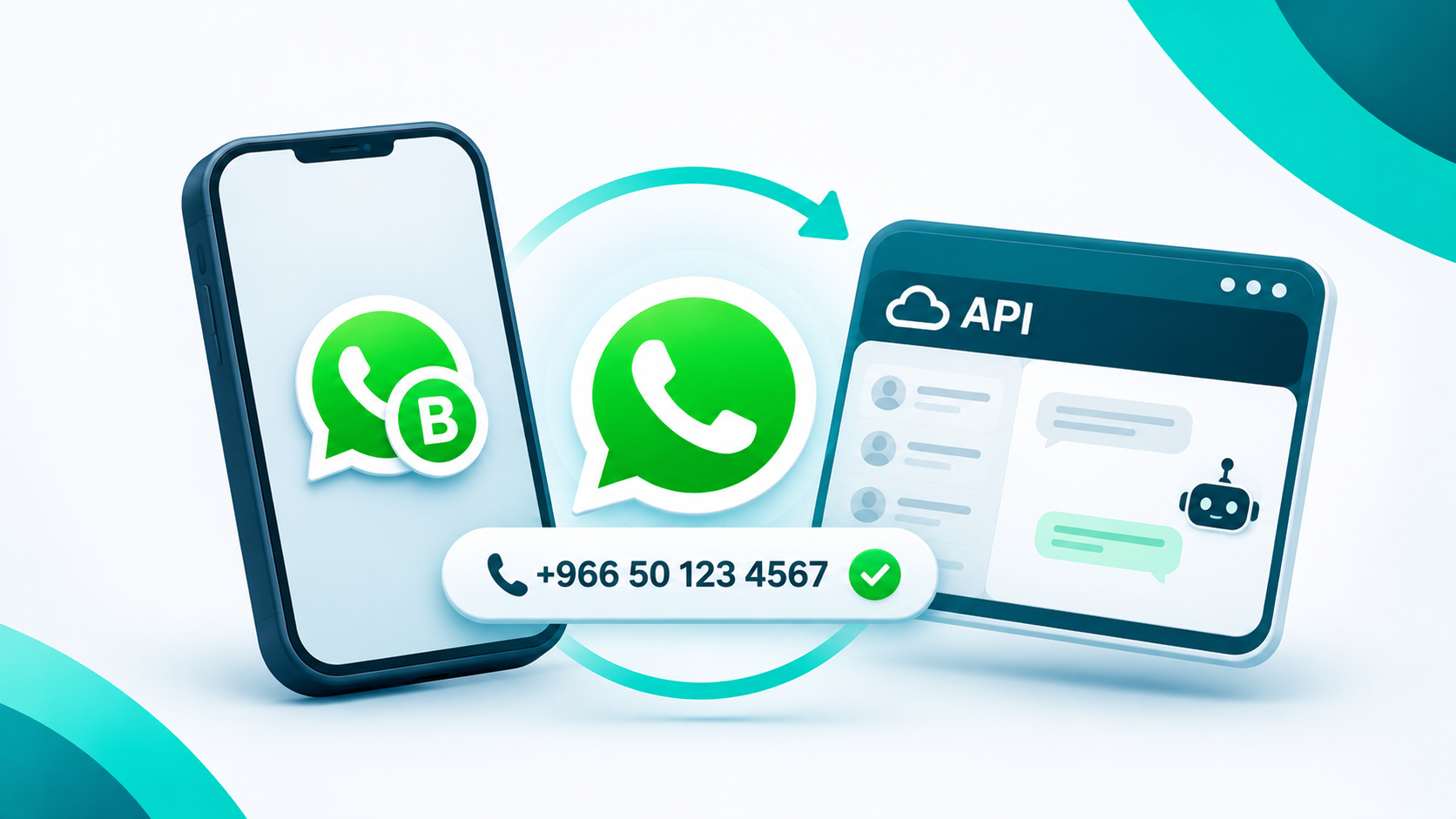
The API connects systems that send and receive business messages. It is not a standalone team interface: an inbox, workflow or other connected solution is needed.
Where to begin
Choose a clear goal such as customer service, order follow-up or appointments. Define team ownership and trusted data sources before configuring messages.
- Check business eligibility and Meta onboarding requirements.
- Choose a number and confirm migration options before moving it.
- Configure agent permissions and human handover.
Consent and templates
Obtain appropriate permission for proactive communication and respect opt-outs. Replies within the applicable customer-service window differ from messages outside it, which require approved templates under current Meta rules.
Integration and cost
Use reliable systems for current order and availability data. Meta fees vary by market, message type and current rules. Request a quote separating platform, channel and usage charges.
Key takeaway
Start with one testable journey and expand after verifying consent, quality and handover.
Frequently asked questions
Is the API the Business App?
No. The app is a direct small-business tool; the API connects systems and team interfaces.
Can businesses message without limits?
No. Consent, templates, quality and platform policies apply.

 Success stories